HamptonU Experience FAQs

Get to know your new university portal!
The HamptonU Experience is Hampton University’s customized version of Ellucian Experience, a modern, personalized digital platform that centralizes access to campus services, academic tools, and important information. It provides students, faculty, and staff with a streamlined, user-friendly dashboard to manage tasks like class schedules, grades, financial aid, and more—all in one place.
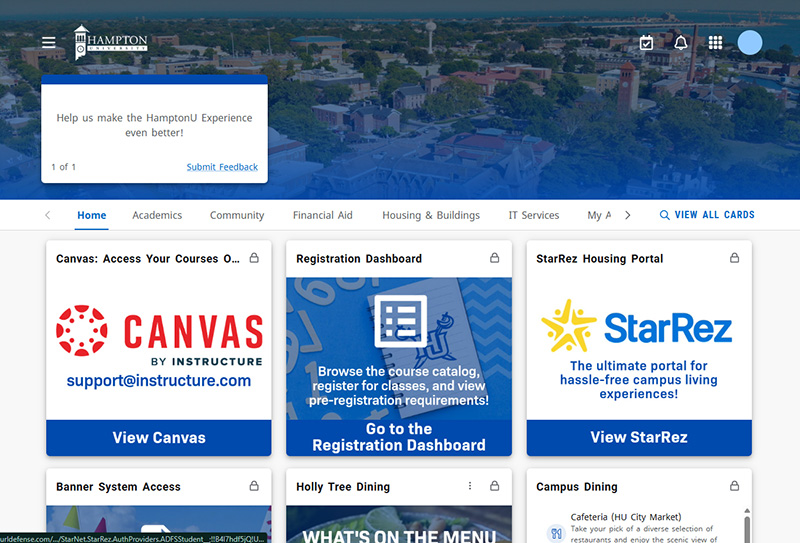
A screenshot showing a preview of HamptonU Experience on desktop. Colorful cards are displayed for Canvas, Registration, and StarRez.
The HamptonU Experience is always evolving — we’re adding and updating features all the time to better serve you. Here are just a few things you can do on the platform:

The myCampus portal and mobile app are no longer accessible. However, it is now used for public information about upcoming events and activities.  Many services and tools previously available through MyCampus Student Portal have been transitioned to HamptonU Experience.

To access the HamptonU Experience, you will find links on the Hampton University Website,  Your Canvas dashboard, the HamptonU Mobile App, or simply by going to the URL https://experience.hamptonu.edu

To log in, you’ll need your:

  • Hampton University email address:
    • Students: firstname.lastname@my.hamptonu.edu
    • Faculty/Staff: firstname.lastname@hamptonu.edu

  • Microsoft 365 password:
    • This is the same password that you use for other Hampton University services like StarRez, email, and the Financial Aid Portal.
    • Forgot Password? At the login form, enter your Hampton University email address, then click Next. On the following screen, select “Forgot Password” to begin the password recovery process and reset your Microsoft 365 password.
  1. Log in to the HamptonU Experience platform using your university email and Microsoft 365 password.
  2. Click the hamburger menu (☰) in the top-left corner of the screen.
  3. Select “Email” from the menu options.
  4. You’ll be directed to your Hampton University email inbox.
Yes! You can personalize your homepage to better fit your needs. Here’s how:
Click or Scan a QR code below to download the app!
The student financial portal can be accessed by following these steps:
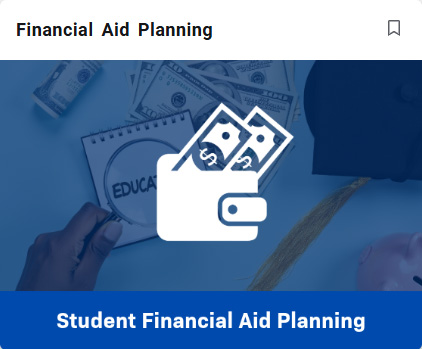
Graphic showing the Student Financial Aid Planning card.
The registration portal can be accessed by following these steps:
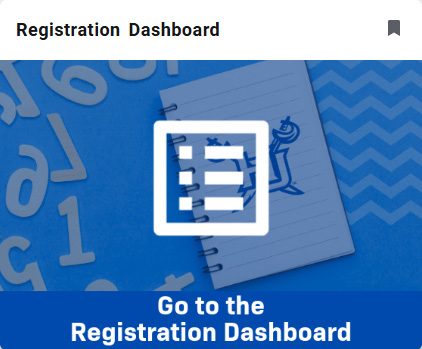
Graphic showing the Registration card.
The HamptonU Experience is Hampton University’s customized version of Ellucian Experience, a modern, personalized digital platform that centralizes access to campus services, academic tools, and important information. It provides students, faculty, and staff with a streamlined, user-friendly dashboard to manage tasks like class schedules, grades, financial aid, and more—all in one place.
A screenshot showing a preview of HamptonU Experience on desktop. Colorful cards are displayed for Canvas, Registration, and StarRez.
The HamptonU Experience is always evolving — we’re adding and updating features all the time to better serve you. Here are just a few things you can do on the platform:

The myCampus portal and mobile app are no longer accessible. However, it is now used for public information about upcoming events and activities.  Many services and tools previously available through MyCampus Student Portal have been transitioned to HamptonU Experience.

To access the HamptonU Experience, you will find links on the Hampton University Website,  Your Canvas dashboard, the HamptonU Mobile App, or simply by going to the URL https://experience.hamptonu.edu

To log in, you’ll need your:

  • Hampton University email address:
    • Students: firstname.lastname@my.hamptonu.edu
    • Faculty/Staff: firstname.lastname@hamptonu.edu

  • Microsoft 365 password:
    • This is the same password that you use for other Hampton University services like StarRez, email, and the Financial Aid Portal.
    • Forgot Password? At the login form, enter your Hampton University email address, then click Next. On the following screen, select “Forgot Password” to begin the password recovery process and reset your Microsoft 365 password.
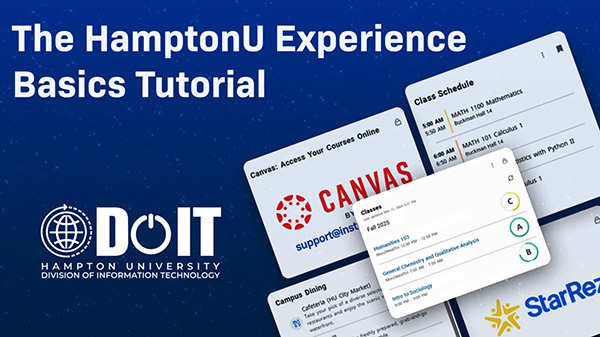
Watch this 1 minute video tutorial on how to access HUNet from HamptonU Experience.
  1. Log in to the HamptonU Experience platform using your university email and Microsoft 365 password.
  2. Click the hamburger menu (☰) in the top-left corner of the screen.
  3. Select “Email” from the menu options.
  4. You’ll be directed to your Hampton University email inbox.
Yes! You can personalize your homepage to better fit your needs. Here’s how:
Click or Scan a QR code below to download the app!
The student financial portal can be accessed by following these steps:
Graphic showing the Student Financial Aid Planning card.
The registration portal can be accessed by following these steps:
Graphic showing the Registration card.
Scroll to Top